

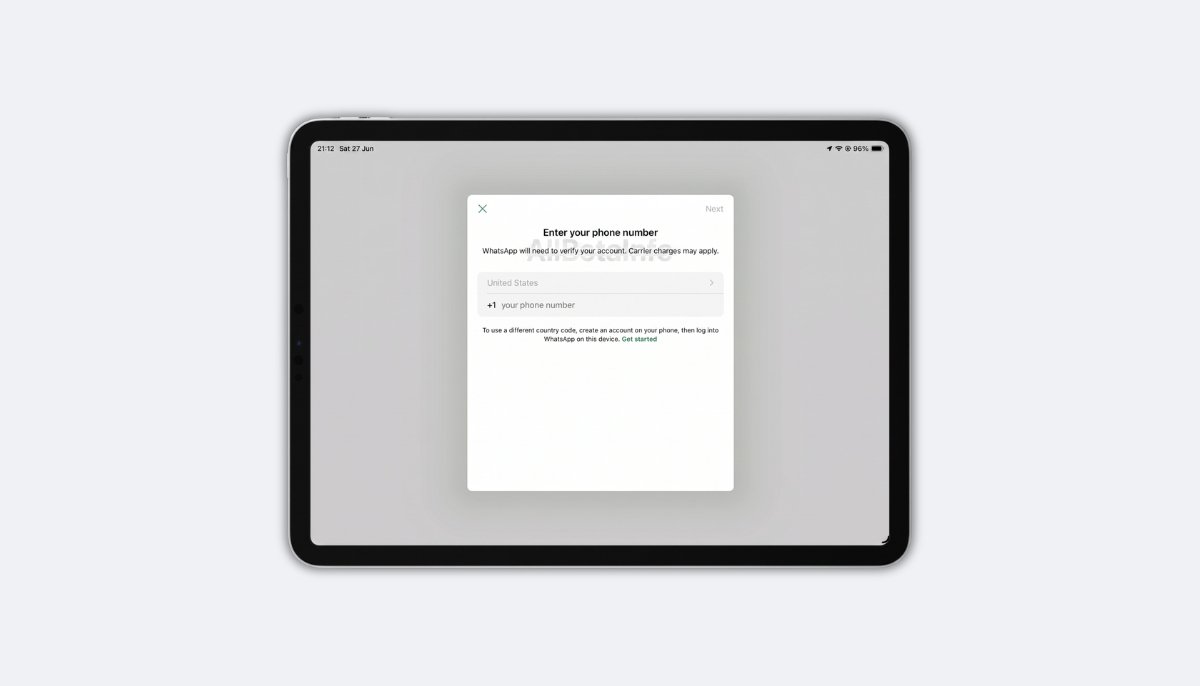
WhatsApp is rolling out the primary device feature for some beta testers on iPad, moving beyond the companion only setup the app has used since launch. WhatsApp for iPadOS 26.25.74 is the compatible update, and it lets eligible users register their account directly on iPad instead of linking it to a phone. This is confirmed by WhatsApp’s own limitations documentation, with testing and reporting credited to Akan and Joy. The rollout is gradual, so not every account will see the option right away.
How WhatsApp for iPad Worked Before
WhatsApp on iPad has always worked as a secondary device tied to a phone. Users had to open WhatsApp on iPhone or Android, check Linked Devices, and scan a QR code shown on the iPad.
That companion setup covered basic messaging but came with real limits. A device in companion mode cannot share a live location or create and view broadcast lists. Users also cannot communicate with businesses through Flows.
Companion mode also logged users out automatically. If the primary phone went unused for 14 consecutive days, WhatsApp signed out every linked device, iPad included.
How to Set Up WhatsApp on iPad as the Primary Device
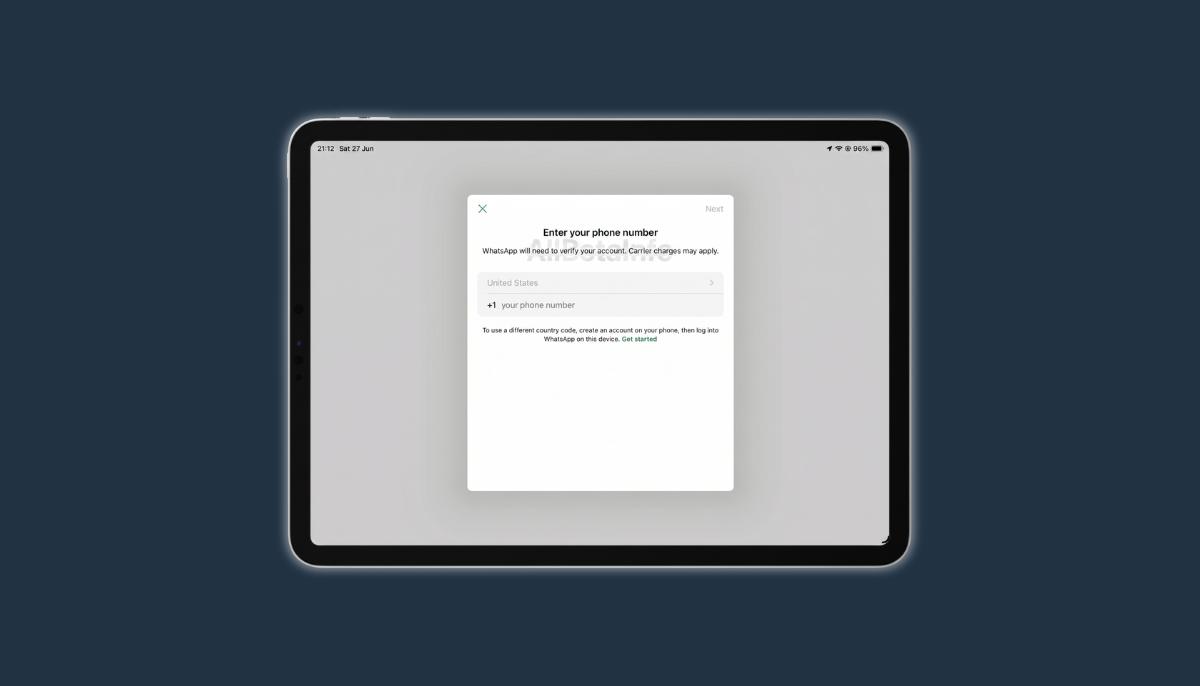
Users can now register their account on iPad the same way they would on iPhone or Android. The process starts with selecting a country code and entering a phone number.
After that, WhatsApp sends a 6 digit verification code. Once entered, the account becomes active on iPad as the primary device, using the same registration flow already familiar from phone setup.
Passkeys Work on WhatsApp for iPad
Users who already set up a passkey for their WhatsApp account can use it during iPad setup instead of waiting for a verification code. WhatsApp for iPadOS 26.25.74 fully supports passkey authentication at this stage.
Passkey setup runs through the device’s password manager, so there is no need to wait for a text message. This is faster and more secure for anyone who already has a passkey configured.
What You Gain With iPad as the Primary Device
Setting iPad as the primary device unlocks features companion mode never supported. Live location sharing and broadcast lists both become available once the account is registered directly on iPad.
The 14 day inactivity logout tied to the primary phone no longer applies either. Since the iPad itself becomes the primary device, its own activity determines whether the account stays logged in.
When This Actually Makes Sense to Use
A practical example is sending a phone in for repair without knowing exactly when it will come back. Companion mode would log the iPad out after 14 days of phone inactivity, which becomes a problem if repairs take longer.
With iPad set as the primary device, the account stays fully accessible for as long as needed, independent of the phone. Beyond repairs, some users may simply prefer a tablet as their main device, and this update now supports that choice directly.
Companion Mode Is Still There if You Prefer It
WhatsApp is not removing companion mode or changing how it works for anyone who wants to keep it. Users can choose between primary device and companion mode the first time they configure WhatsApp on iPad.
Nobody is forced into the new setup. Accounts already linked as a companion device do not need to change anything to keep working exactly as before.
Platform Availability for iPad
This primary device option is available now through WhatsApp for iPadOS 26.25.74, downloadable from the App Store. The same feature is also present in the latest TestFlight build for beta testers.
WhatsApp is rolling this out gradually, so the choice between primary device and companion mode may not appear immediately even after updating to the latest version. Testers who do not see it yet should wait for a future update to receive access.
Conclusion
WhatsApp is expanding what iPad can do within its ecosystem, moving the tablet from a companion only role toward full primary device status for eligible users. The AllBetaInfo team will continue monitoring how quickly this rollout reaches the wider beta testing pool.
This update matters most for anyone who has run into companion mode’s 14 day logout limit or wanted live location and broadcast lists working directly from iPad.
Stay Updated with AllBetaInfo
Follow AllBetaInfo on Medium and X to catch every new feature under development and every update reaching beta testers first. AllBetaInfo is the global source for real-time beta updates on all major apps across Android, iOS, and Web. The team covers messaging, social, streaming, and AI apps, reporting each major change the moment it lands, so readers always stay a step ahead.