

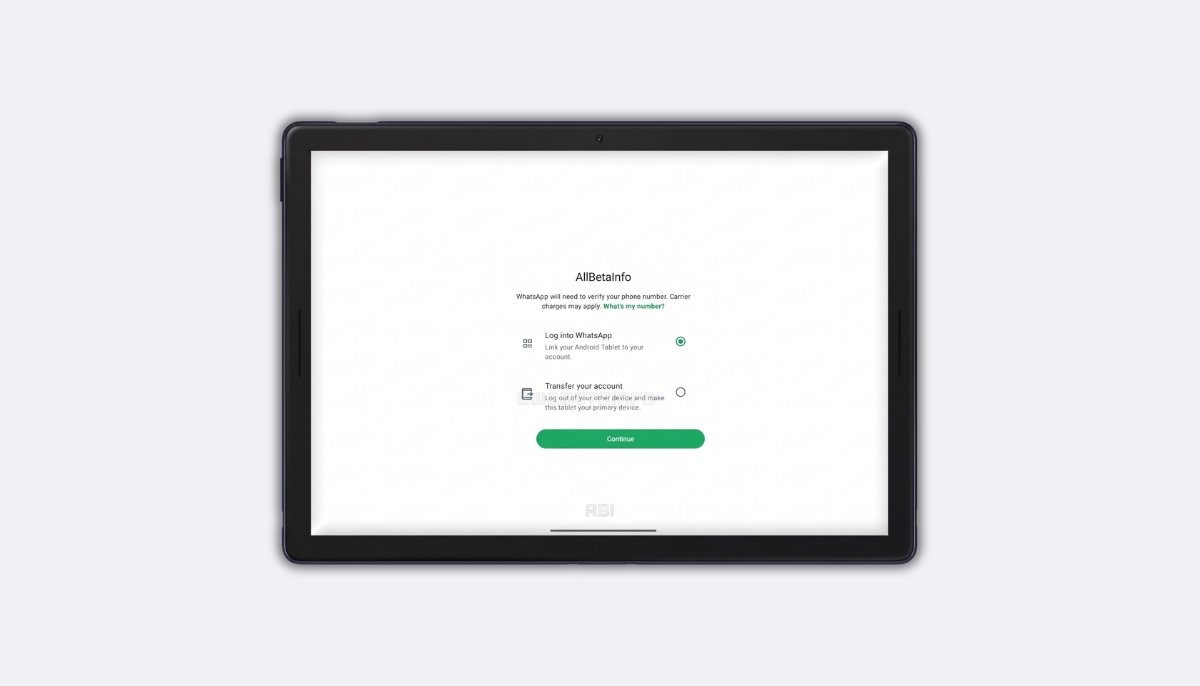
WhatsApp is rolling out a new setup screen for Android tablets, letting some beta testers choose between companion mode and full primary device status. The latest WhatsApp beta for Android is the compatible update, and it introduces a Choose an Option screen that offers a direct account transfer path. This matches a nearly identical primary device option that already rolled out for iPad through the WhatsApp Messenger 26.25.74 update. Testers who see the new screen can transfer their account to the tablet in about a minute.
How Android Tablets Used WhatsApp Before
WhatsApp on an Android tablet has always relied on companion mode. Users open Linked Devices on their phone, scan a QR code shown on the tablet, and the two devices connect.
This let people use their account on a tablet without the phone nearby, but only within the limits of companion mode. A device linked this way was never treated as fully independent.
What Companion Mode Cannot Do on Android Tablets
Companion mode blocks a few specific features on Android tablets. Users cannot share their live location, and they cannot send a message to a broadcast list.
These features stay locked to the primary device only. On top of that, if the primary phone goes 14 days without opening WhatsApp, the tablet gets logged out automatically for security reasons.
WhatsApp Is Testing a New Setup Screen for Android Tablets
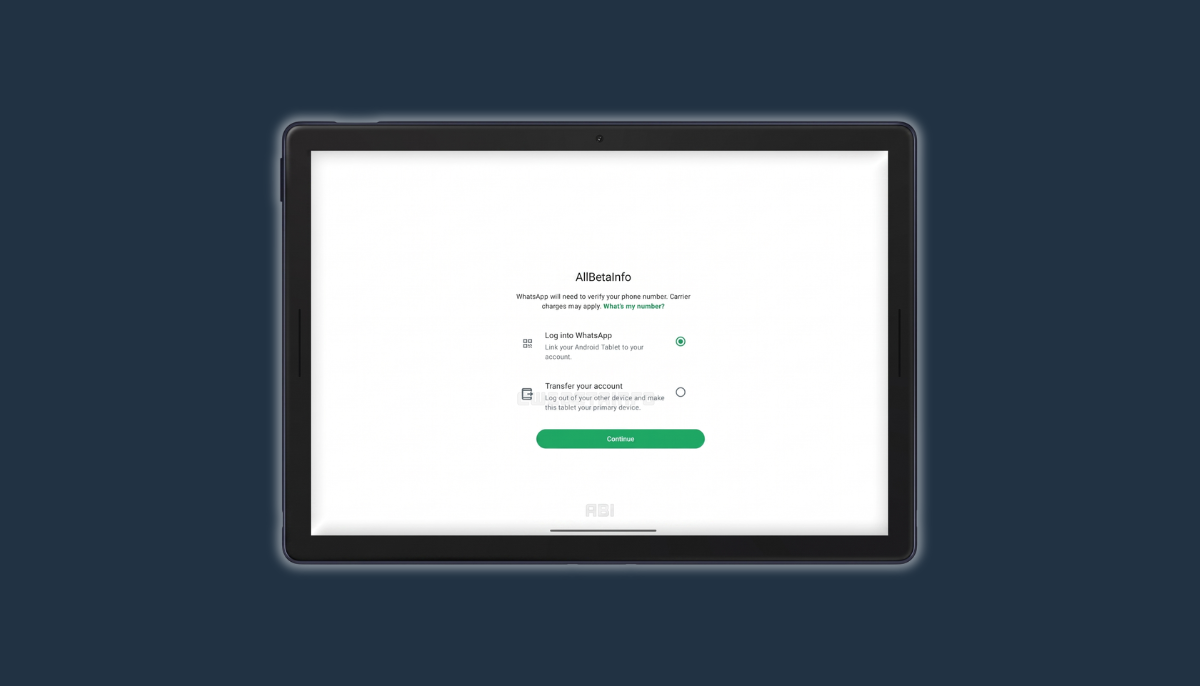
Some beta testers on the latest WhatsApp beta for Android now see a screen called Choose an Option the first time they open WhatsApp on a tablet. This screen offers two paths instead of forcing the standard companion flow.
The first path links the tablet to an existing account as before. The second path, Transfer Your Account, sets the tablet up as the primary device directly. Users could already use an Android tablet as a primary device through the standard registration flow, but this dedicated screen is new.
How to Transfer Your Account to an Android Tablet
Tapping Transfer Your Account starts a short setup process. WhatsApp asks for a country code and phone number, then sends a 6 digit code to verify identity.
Entering that code makes the Android tablet the primary device. The whole process takes about a minute, and the phone never needs to be touched during setup. Chat history can then be restored from Google Drive to bring previous conversations onto the tablet.
What Happens to the Previous Primary Device
Once the Android tablet becomes the primary device, WhatsApp logs out the device that held that role before. An account can only have one primary device at a time, so the old phone loses its primary status immediately.
That phone is not locked out permanently. It can be linked back as a secondary device by scanning a QR code, and the account can be transferred back to it whenever needed.
What You Gain With an Android Tablet as the Primary Device
A tablet set as the primary device gets the full WhatsApp experience, the same as any phone. None of the companion mode restrictions apply, and the 14 day logout rule simply does not exist for a primary device.
This puts an Android tablet used this way on equal footing with a phone running WhatsApp normally, with nothing held back.
WhatsApp for iPad Also Supports the Same Feature
WhatsApp already rolled out a similar primary device option for iPad through the WhatsApp Messenger 26.25.74 update. The standalone setup on iPad is a recent addition there too.
iPad users see a comparable choice during setup, linking as a companion device or registering as the primary device. The Android tablet version works the same way at its core, just with different screen wording. WhatsApp appears to be moving in the same direction across all its tablet apps.
When Your Android Tablet Can Take Over From Your Phone
A phone breaking and needing weeks for repair is a clear case for this feature. Under companion mode, 14 days without the phone would log the tablet out too, cutting off WhatsApp entirely during the wait.
Setting the Android tablet as the primary device removes that risk. It handles everything on its own until a new phone is ready, and some users may simply prefer a tablet as their main device regardless of any repair situation.
Companion Mode Is Still Available on Android Tablets
Nothing about companion mode has changed for users who want to keep it. The Log into WhatsApp option on the new setup screen still links the tablet the same way it always has.
Choosing between primary device and companion mode is entirely optional. This new screen just gives users a clearer way to decide which setup fits their situation.
Platform Availability for Android Tablets
This new Choose an Option screen is currently limited to some beta testers using the latest WhatsApp beta for Android. WhatsApp has not confirmed a timeline for the stable release.
Testers who update but do not see the new screen yet should expect it in a future update, since the rollout is still gradual at this stage.
Conclusion
WhatsApp is extending primary device support across its tablet apps, following the iPad rollout with a matching Android tablet interface. The AllBetaInfo team will continue tracking how quickly this Choose an Option screen reaches the wider beta testing pool.
This update matters most for anyone who has hit the 14 day companion logout limit or wants live location and broadcast lists working directly from an Android tablet.
Stay Updated with AllBetaInfo
Follow AllBetaInfo on Medium and X to catch every new feature under development and every update reaching beta testers first. AllBetaInfo is the global source for real-time beta updates on all major apps across Android, iOS, and Web. The team covers messaging, social, streaming, and AI apps, reporting each major change the moment it lands, so readers always stay a step ahead.