

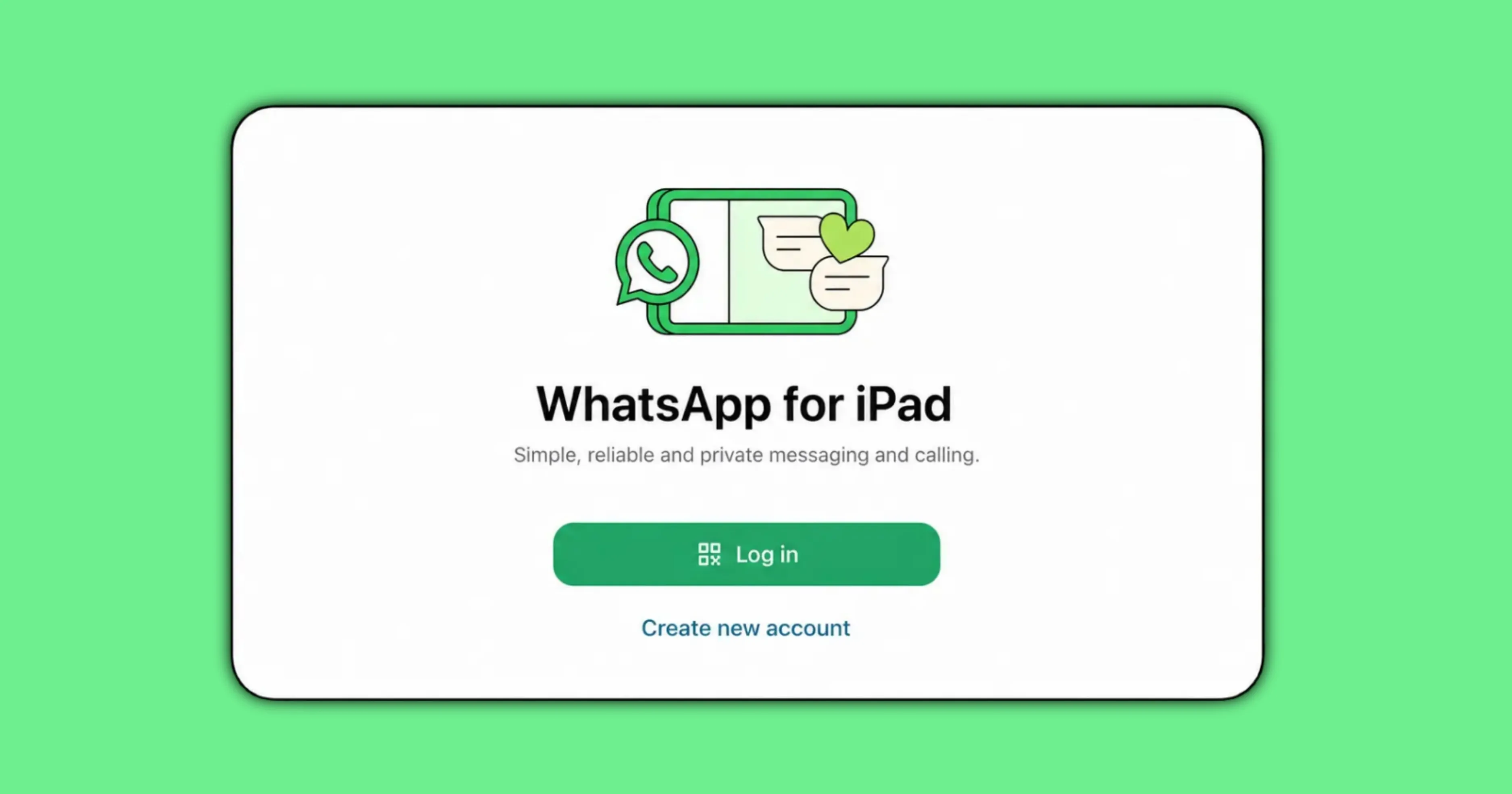
WhatsApp now lets iPad users create a new account directly on the device, without linking it to a phone as a companion device. The feature is officially rolling out now as of July 22 2026, confirmed directly on the WhatsApp iPad app. AllBetaInfo tested the full signup flow on a real iPad to confirm exactly how registration works, including the phone number step.
How to Sign Up for WhatsApp on iPad
Opening the WhatsApp iPad app for the first time now presents a direct sign up option instead of requiring a linked phone. AllBetaInfo walked through this flow during testing and confirmed the app asks the user to choose a username as part of setting up the new account. A phone number is still requested at this stage, but only to receive a one time verification code.
After entering the phone number, the app sends a one time passcode that the user enters to confirm the account. AllBetaInfo confirmed this step during testing, and once verified, the account is fully set up on the iPad itself. This differs from the previous method, which required opening WhatsApp on a phone first and scanning a code to link the iPad as a companion device.
The Phone Number Requirement Is Still There
Some early coverage suggested this update removes the need for a phone number entirely, which is not accurate. AllBetaInfo confirmed during testing that a phone number is still required, solely to receive the one time passcode used for verification. What has changed is that the iPad account is no longer tied to an existing phone as a companion device.
This distinction matters for anyone expecting to sign up with only a username and no phone number at all. The account created through this flow is an independent WhatsApp account on the iPad, verified once through a phone number, rather than a mirrored or linked version of an account already active on a phone.
What This Means If You Already Use WhatsApp on iPad
Existing users who already have WhatsApp on iPad set up as a linked companion device are not required to do anything with this update. The new direct signup flow applies to setting up a new, independent account on the iPad, separate from the existing linked device model. Both methods can coexist depending on how a user wants to use WhatsApp across devices.
Old Way vs New Way: What’s Different
The previous method for using WhatsApp on iPad required opening the WhatsApp app on a phone, navigating to linked devices, and scanning a QR code shown on the iPad screen. That approach tied the iPad’s WhatsApp session to the phone as a companion device, meaning the phone needed to stay active and connected for the iPad app to keep working reliably.
The new method skips that linking process entirely for a new account. A user opens the WhatsApp iPad app, picks a username, verifies with a one time passcode sent to a phone number, and has a fully independent account running on the iPad. AllBetaInfo confirmed this account setup does not require an existing phone version of WhatsApp to already be active.
Availability and Rollout Status
The direct iPad signup feature is confirmed as officially rolling out now, according to WhatsApp’s official blog post. This builds on WhatsApp’s original iPad app, which was first introduced through WhatsApp’s original iPad app announcement. AllBetaInfo’s testing confirmed the direct signup option is already live and available to try today.
Conclusion
WhatsApp’s direct iPad signup gives users a way to create an independent account without first setting up a phone as a companion device, while still requiring a phone number for one time verification. Existing companion device users are unaffected and can continue using WhatsApp on iPad exactly as before.
Stay Updated with AllBetaInfo
Follow AllBetaInfo on Medium and X to catch every new feature under development and every update reaching beta testers first. AllBetaInfo is the global source for real-time beta updates on all major apps across Android, iOS, and Web. The team covers messaging, social, streaming, and AI apps, reporting each major change the moment it lands, so readers always stay a step ahead.